
LeadCop is an enterprise-grade, high-performance, real-time email verification and signup protection SaaS platform built on the Next.js 16 (React 19) App Router. Designed for modern marketing funnels, product signups, and developers, it automatically intercepts fake signups, role-based emails, spam bots, and disposable domains before they pollute your CRM or acquisition pipelines.
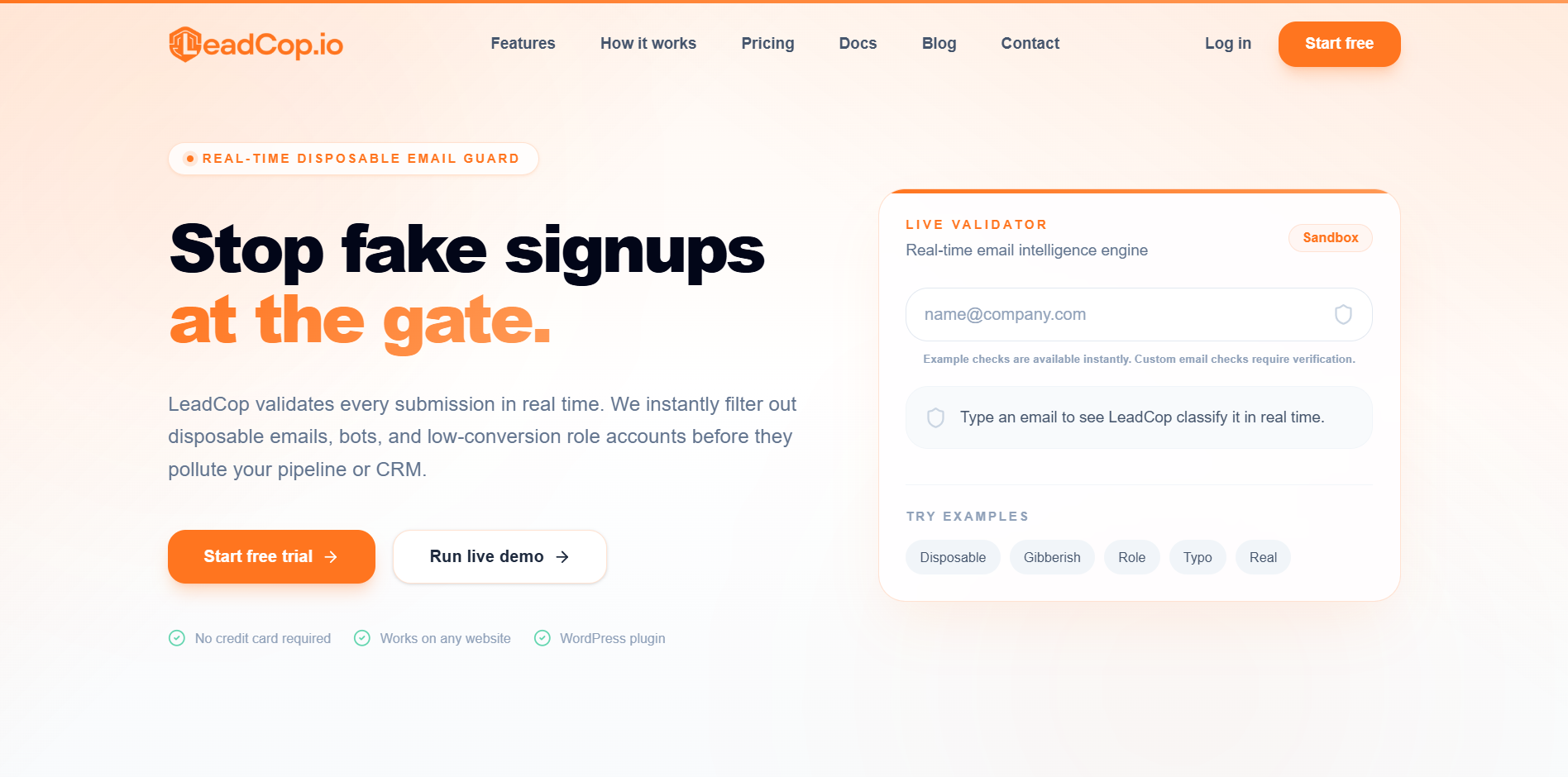
- Zero-Code Integration: Drop a single script tag into your static HTML, React, Next.js, or Webflow forms. LeadCop automatically attaches to and validates inputs.
- WordPress Integration: Comes with support for a dedicated WordPress plugin (
leadcop-email-validator.zip). - Real-Time API & Webhooks: Fast JSON API with built-in rate-limiting and custom webhook delivery on event hooks (
lead.disposable,lead.valid, etc.).
- Dashboard Home: Real-time logging feed, integration health, quick counts, and dynamic status indicators.
- Deep Analytics: Rich charts powered by Recharts covering request counts, risk distributions, disposable vs. valid email ratios, and threat/reputation levels over time.
- Self-Serve Audit Logs: Filterable, paginated audit histories for all verified leads with detailed score analysis.
- Bulk Validation Manager: Upload CSV files containing thousands of email contacts. The backend queues and runs these jobs asynchronously using background workers.
- Multi-API Key Vault: Generate, label, revoke, and track rate limits for multiple developer keys.
- Custom Blocklists & Whitelists: Overrule system algorithms on a per-account level by custom-blocking or whitelisting specific domains or addresses.
- Team Management: Invite team members and share workspace limits (using high-performance parent-child user routing).
- Dynamic Payment Gateway Configuration: Turn Stripe and PayPal on/off and supply API credentials directly in the admin panel without editing environment configurations.
- Usage Plan Builder: Configure tiers (FREE, BASIC, PRO, MAX) with distinct credit limits, pricing, and rate-limiting structures.
- WYSIWYG Editorial Platform: Built-in blogging system powered by TipTap editor for content marketing.
- SMTP & Notification Manager: Configure system SMTP settings and choose which events trigger admin and client email notifications.
- Newsletter Broadcasting: Manage subscribers and run mass-email marketing campaigns directly from the admin panel.
- Branding & Dynamic SEO Engine: Update the application logo, meta titles, tags, and description strings in real time.
- Support Helpdesk: Built-in messaging, tickets view, status controllers, and automated mail dispatchers to handle customer feedback.
LeadCop is engineered with cutting-edge web technologies selected for performance, reliability, and ease of deployment:
| Layer | Technology | Details / Purpose |
|---|---|---|
| Core Web Framework | Next.js 16 (App Router) | React 19, Server Components, Route Handlers |
| Styling | Tailwind CSS v4 & Framer Motion | Ultra-fast design compilation and seamless micro-animations |
| Database ORM | Drizzle ORM & pg |
PostgreSQL client with custom pooling configurations |
| Caching & Queue | Redis (ioredis) |
API rate-limiting, session checks, and background worker queues |
| Validation | Zod | Strict type checking and API request schema safety |
| Rich Text Editor | TipTap / Prosemirror | Modular WYSIWYG editor for admin blogs |
| Cloud Storage | Cloudinary | Uploads for user profiles, support attachments, and blog assets |
| Logging | Pino & pino-pretty |
Low-overhead JSON logger |
Make sure you have the following installed on your machine:
- Node.js (v18.x or newer, v20+ recommended)
- pnpm (or npm / yarn)
- PostgreSQL database instance
- Redis server
Clone the repository and install dependencies:
git clone <repository-url>
cd LeadCop-Next
pnpm install
Create your environment configuration:
cp .env.example .env
Open .env and fill out the fields (Database URL, Redis URL, and Cloudinary keys).
LeadCop leverages Drizzle ORM for its database layer. Run the schema migrations to set up tables:
# Generate SQL migrations based on TypeScript schemas
npx drizzle-kit generate

# Apply migrations to your live PostgreSQL database
npx drizzle-kit migrate
(Alternatively, you can run npx drizzle-kit push for rapid schema prototyping in a dev sandbox)
To launch the developer hot-reloading environment:
pnpm dev
Open http://localhost:3000 to view the homepage.
LeadCop uses Next.js Instrumentation (src/instrumentation.ts) to boot long-running backend processes inside the Node.js runtime without blocking the web request stream:
- Automatic Disposable List Sync: Every 24 hours, the system connects to top GitHub disposable domain repositories, downloads thousands of newly discovered temporary domains, and synchronizes them into the database automatically.
- Bulk Upload Worker: Background thread (
src/lib/backend/workers.ts) that listens to the Redis job queue to parse uploaded CSV lists and perform asynchronous, highly concurrent email verification without blocking the main dashboard threads.
Simply place the script inside the <head> or at the end of the <body> of your website:
<script src="https://leadcop.io/leadcop-email-validator.js" defer></script>
Query a single email's reputation score and temporary status.
{
  "email": "test@mailinator.com"
}
Authorization: Bearer <your_api_key>
Content-Type: application/json
{
  "isDisposable": true,
  "isForwarding": false,
  "domain": "mailinator.com",
  "reputationScore": 10,
  "riskLevel": "high",
  "tags": ["disposable", "untrustworthy"],
  "requestsRemaining": 998,
  "isValidSyntax": true,
  "isRoleAccount": false,
  "isFreeEmail": false,
  "isInvalidTld": false,
  "didYouMean": "",
  "mxValid": true,
  "smtpValid": false
}
Database tables are organized as standalone modular files under src/lib/db/schema/ to guarantee fast compilation and clean imports:
users.ts— Authentication credentials, parent-child links, and request counts.user-websites.ts&user-pages.ts— User-registered domains and pages for JS script tracking.bulk-jobs.ts— Asynchronous CSV parsing status trackers.payment-settings.ts— Live payment configuration credentials.email-settings.ts— SMTP config parameters and custom notification triggers.site-settings.ts— Branding details, logo, and dynamically compiled SEO data.api-usage.ts— Lead logs for audits and analytics.support.ts— Threaded ticketing helpdesk structure.
For resilient production hosting, LeadCop is configured for PM2 out of the box.
Build the application production bundle:
pnpm build
Boot the server under PM2 supervision with process clusters and environment synchronization:
pm2 start ecosystem.config.cjs
This automatically parses .env parameters, maps port 8080, configures fork execution modes, and places a memory limit cap at 1GB before automated restarts.
This project is proprietary. All rights reserved. Built for protecting the integrity of online acquisition channels.